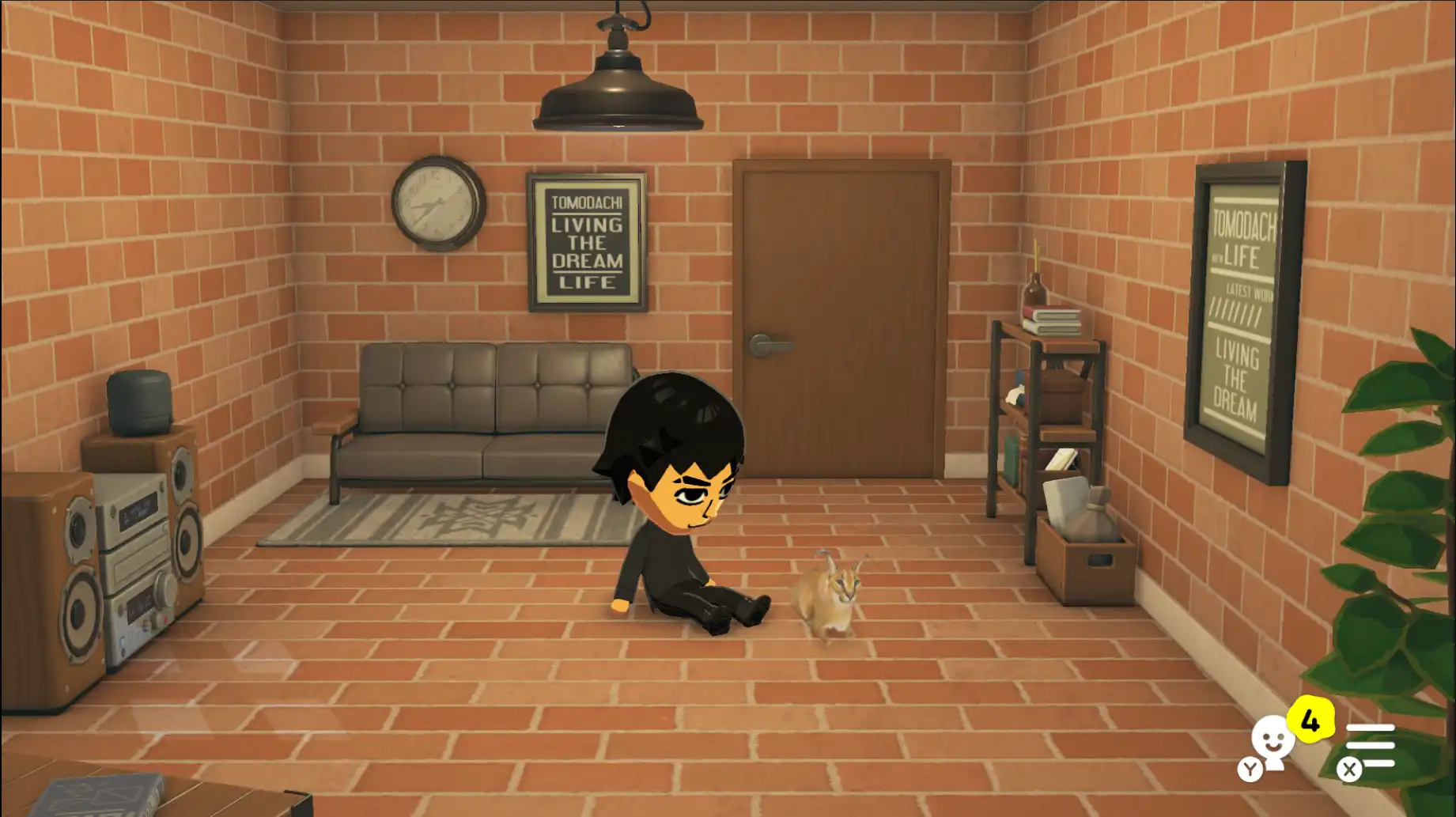
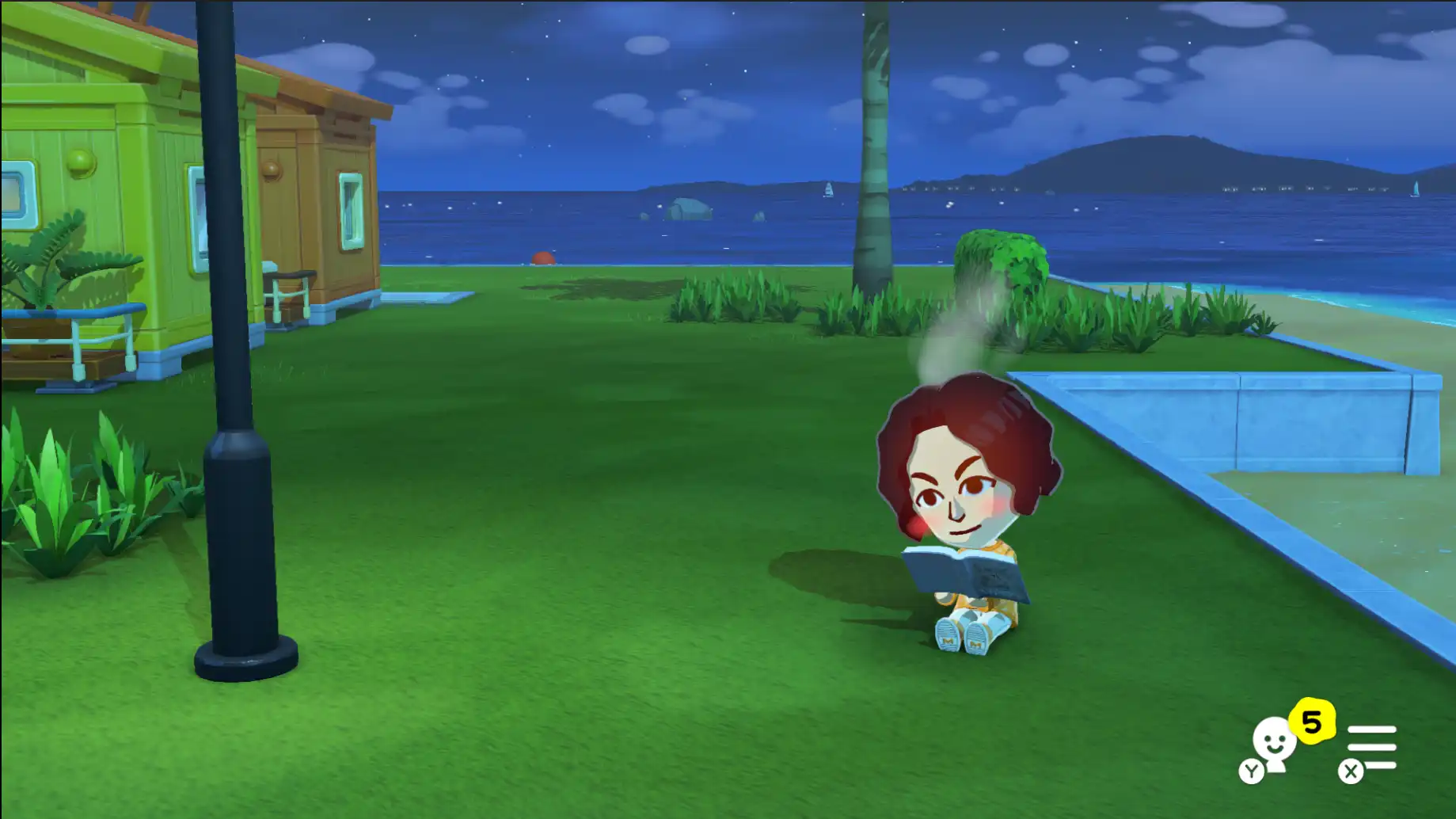
Semi-transparent PNGs render more reliably in previews.
Gamma and lighting adjustments so previews align better with how content appears in-game.
Fewer setups need the Palette Workshop import step beforehand — still follow prompts for your build.
Limitations & safety
Running the emulator with the same save open while editing can destabilise your session or crash. Prefer one tool at a time: edit, launch the game, save, exit cleanly, then continue playing.
Maintain separate backup copies outside the emulator folder alongside TomoTexture’s backups.
Full publisher changelog excerpt— simplified text · expand
Beta.2 IS HERE!!
I have developed more features and some QOL improvements.
Features
• Backup Location — you're required to choose where to have TomoTexture save backups in case you fk something up. *(Ignore the folder names — I forgot to change them, but what matters is the content.)*
• Goods are now supported (except videos — will develop that in another moment). These include:
1. Pets
Make sure to check the size.
2. Books
Treasure, music and games too.
Remember, only video is missing — I forgot to develop this but I had to deliver an update today.
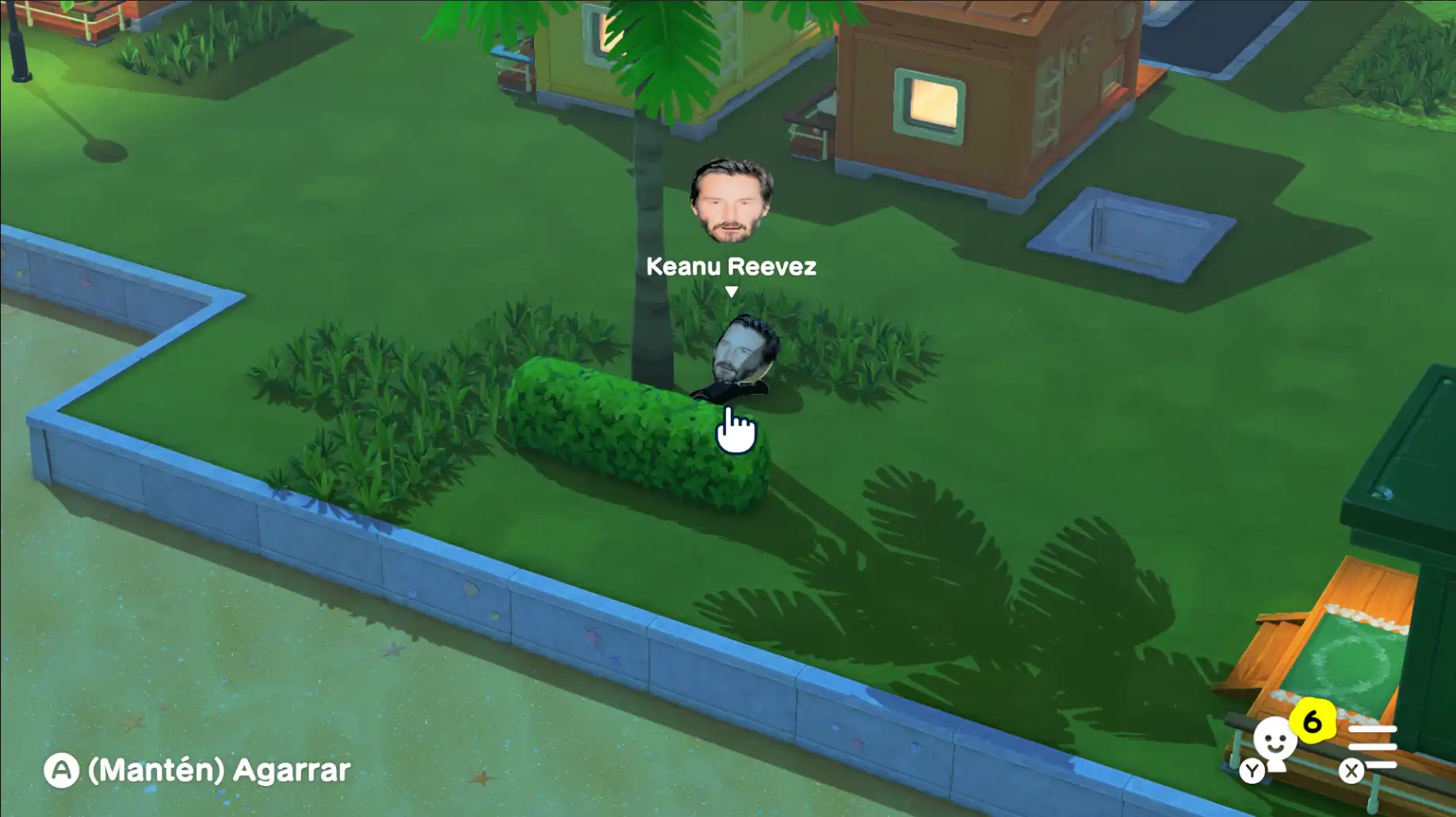
• FACES ARE NOW SUPPORTED!!!
You can now bring whoever you want to your island. I know there are other tools that already do this, but why not just include it at this point — it's literally 3 lines of code more :P
Fixes
• Fixed certain images with semi-transparent pixels not appearing correctly.
• Fixed gamma/lighting issues — images should look better now.
• NO LONGER NEEDED to go load the drawings on the Palette Workshop!!! It was really annoying so I just fixed it up :)
Known Issues
• Your emulator might crash after editing. Try not to have both the emulator and the tool open at the same time. After you do an edit: open your game, try saving, and exit. Then just keep playing. I've found an issue with how the save journal works with editing files and I have to check it more in depth to fix this — will check this out with my friends to figure out what the fuck is going on.
To Do
Videos, clothing, buildings, terrains, and some other QOL stuff.
Certain topics I also wanted to address
Source code, where?
Not adding it. It will now be developed by me and my friends. I'm not going to deal with open-source cucks — some people literally changed my point of view on open-source contributors. If you want an open-source project, feel free to look for other projects. This will be done as a fun project for me and some buddies of mine :) from start to finish.
Virus?
Check the signature of the .exe:
…
Installers & older builds
The Download page resolves the newest Windows binaries for you. Installing an older revision is rarely needed — if you truly must, pick a previous entry from your archive or from the authoritative history linked at the bottom of this page.
Prefer Install walkthrough tips and Troubleshooting for SmartScreen or emulator conflicts. Always duplicate saves before swapping tools.