
TomoTexture
Tomodachi Life save editor — swap textures with your images
Foods, goods, Miis/faces · Windows · Use saves you own.
Version TomoTexture v1.0-beta.2 · Released Apr 18, 2026 (UTC)
Git tag: release
Full installer and screenshots on the Download page.
What you get (recent builds)
Screenshots are illustrative — Nintendo characters and UI © Nintendo; TomoTexture edits saves you already own.
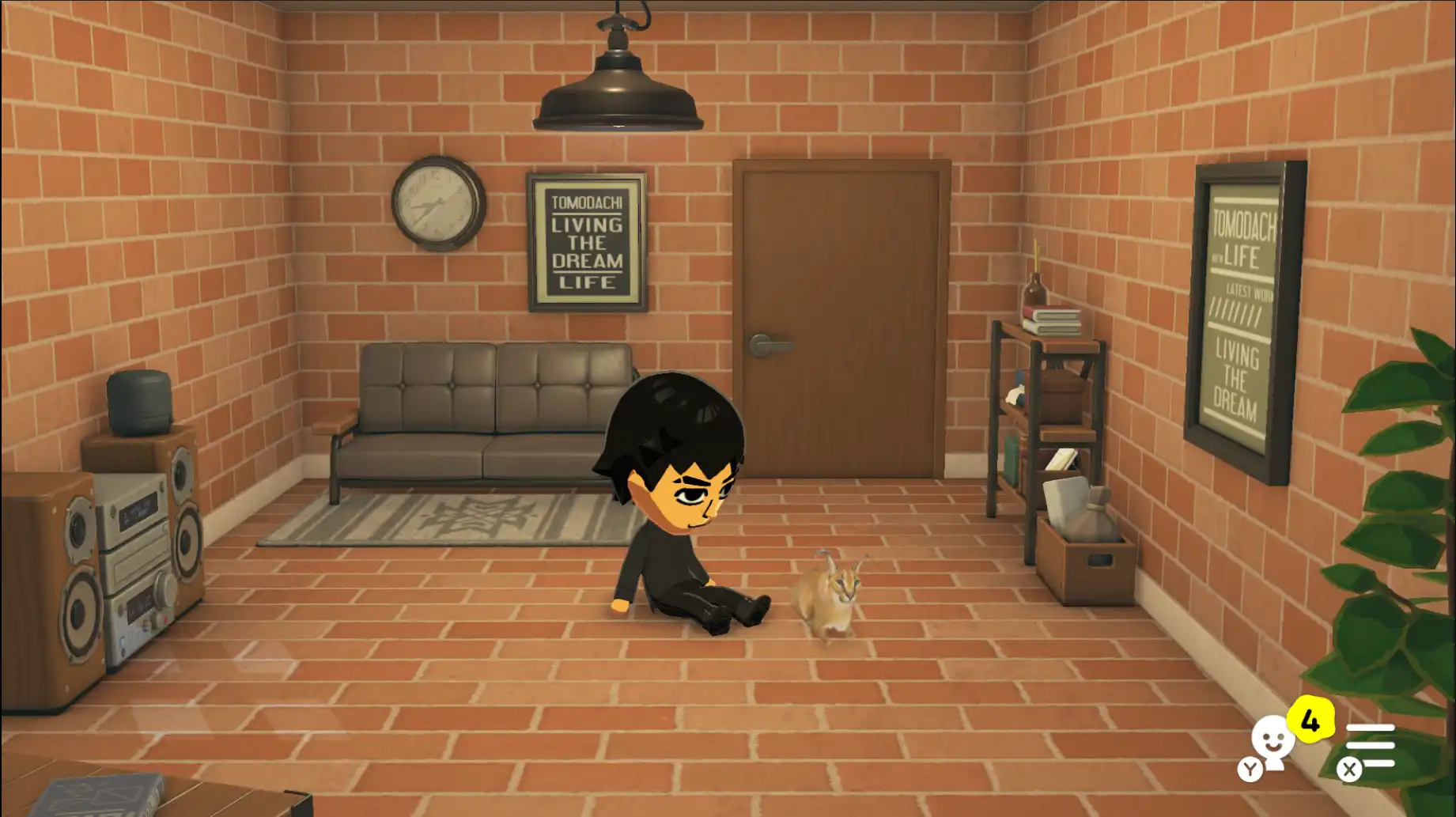
Goods — pets
Pet-themed slots — match dimensions when swapping.
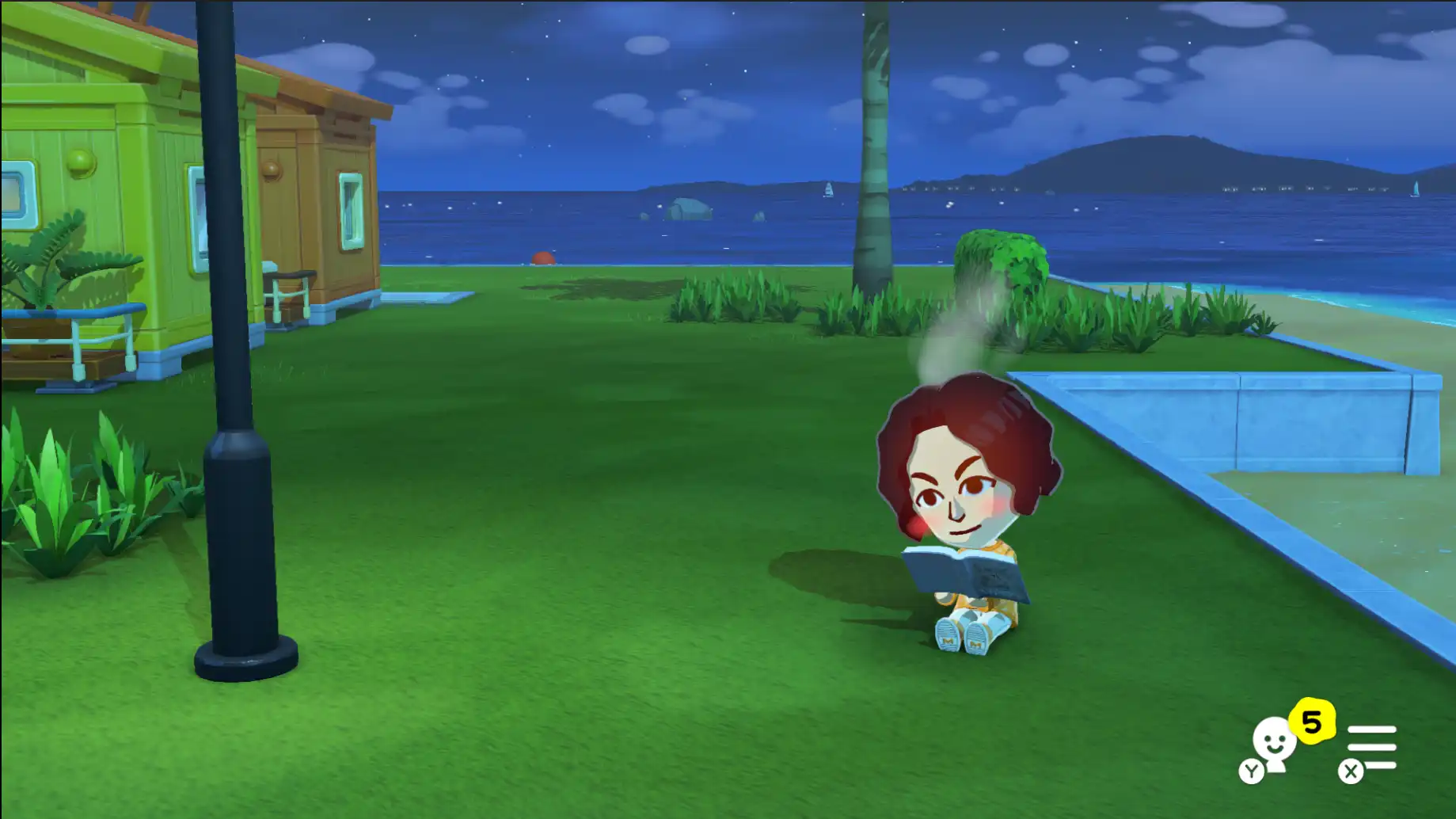
Goods — books & more
Books, treasure, music, games — video goods may follow later.
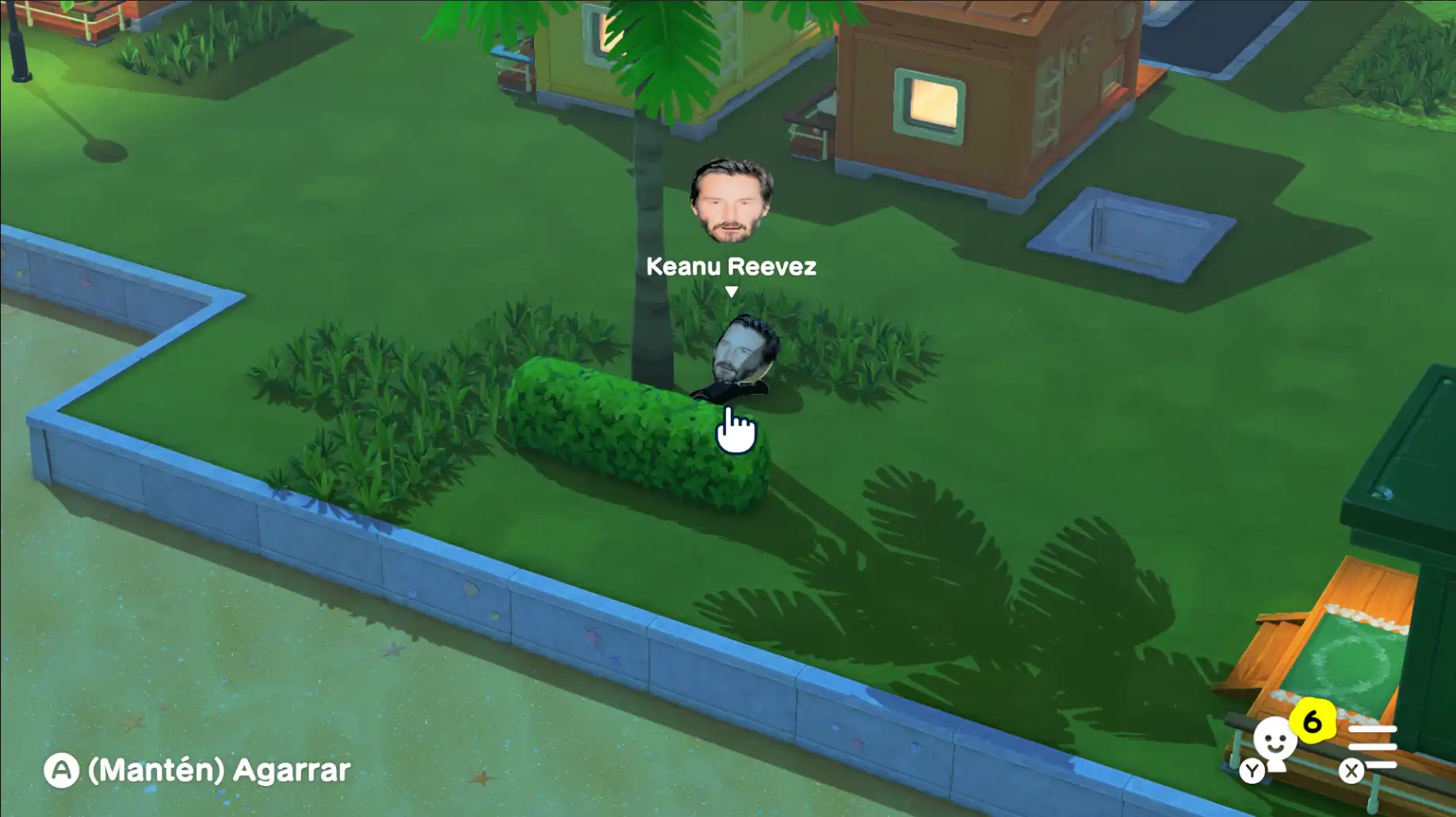
Faces
Custom face textures on Miis.
At a glance
- Goods — pets, books, treasure, music, games (examples above); video goods may not be supported yet — check release notes.
- Faces — custom textures on Miis (see Faces card above).
- Foods — replace dish canvases where your tag supports it; scope varies by release — confirm on release notes.
Categories evolve per release — see Releases for changelogs.
Before you start
Editing saves can corrupt data if interrupted — keep copies outside the game folder. Get the installer from Download.
How it works
Step 1
Download & run
Open Download, grab the Windows installer, then run TomoTexture from a folder you control.
Step 2
Open your save
When prompted, choose the folder that contains your Tomodachi Life save slots—the layout depends on how you copied saves from Citra or hardware.
Step 3
Pick a backup location
TomoTexture asks where to store backups before edits—use it so you can roll back if something goes wrong.
Step 4
Replace & verify
Select the canvas (food, good, or face), fit your image, confirm, then check the result in-game.
More on TomoTexture
Install
Get the Windows installer, run from a folder you control — SmartScreen, MSVC runtime, and first-run tips.
Usage guide
After launch: choose your save folder, set a backup location, pick foods/goods/faces canvases, fit images, confirm.
Help
App won’t start, emulator conflicts while editing saves, antivirus quirks — quick checks before you dig deeper.
Releases
Version tags and changelogs — skim notes before upgrading so supported formats match what you expect.