
Home · Download
Download TomoTexture
Windows app — swap textures in your Tomodachi Life saves (foods, goods, Miis/faces). Use saves you own.
Version TomoTexture v1.0-beta.2 · Released Apr 18, 2026 (UTC)
Git tag: release
Backup location (required)
You choose where TomoTexture writes backups before any edit — use it every session so you can restore from mistakes.
What you get (recent builds)
Screenshots are illustrative — Nintendo characters and UI © Nintendo; TomoTexture edits saves you already own.
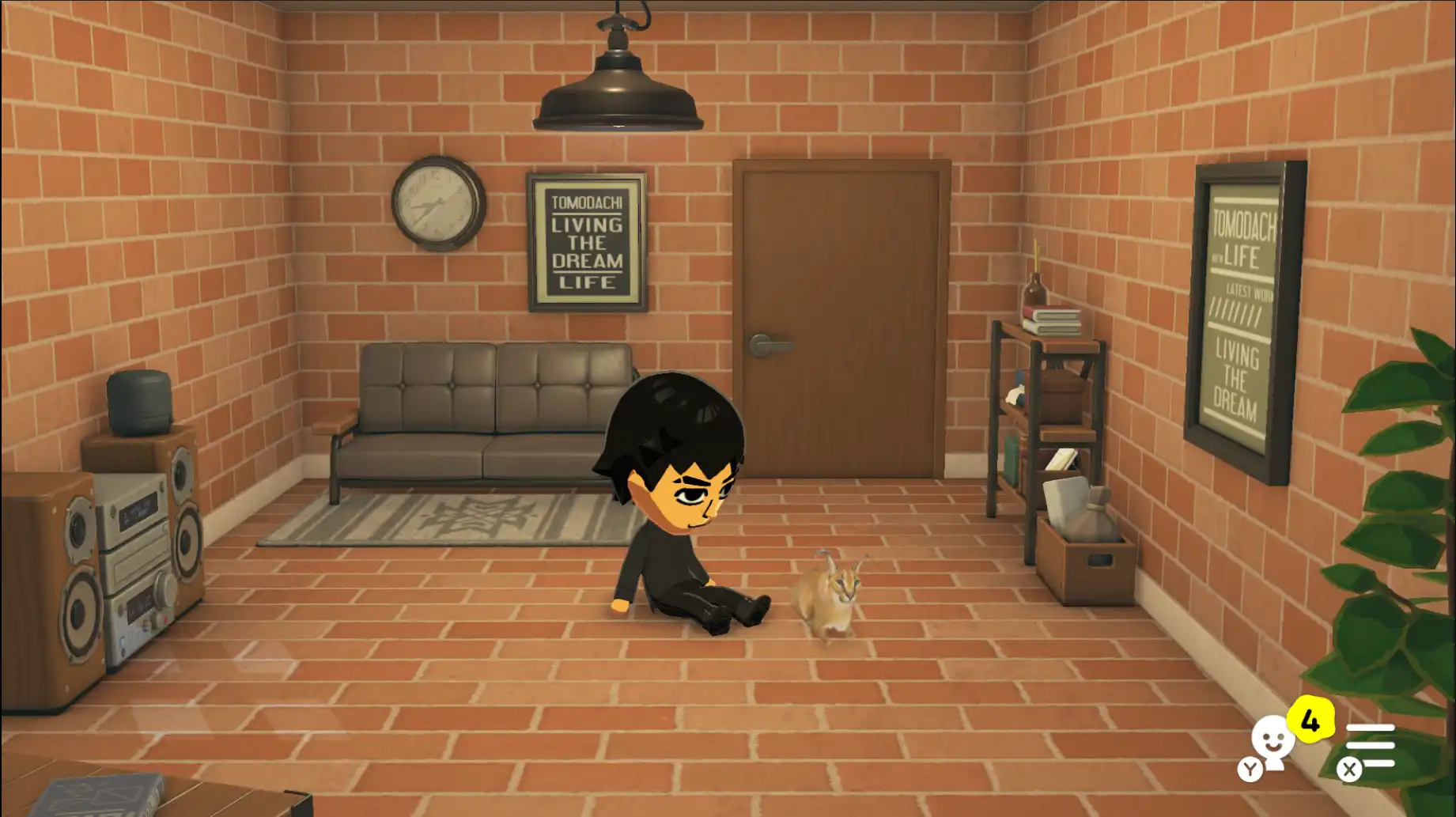
Goods — pets
Pet-themed slots — match dimensions when swapping.
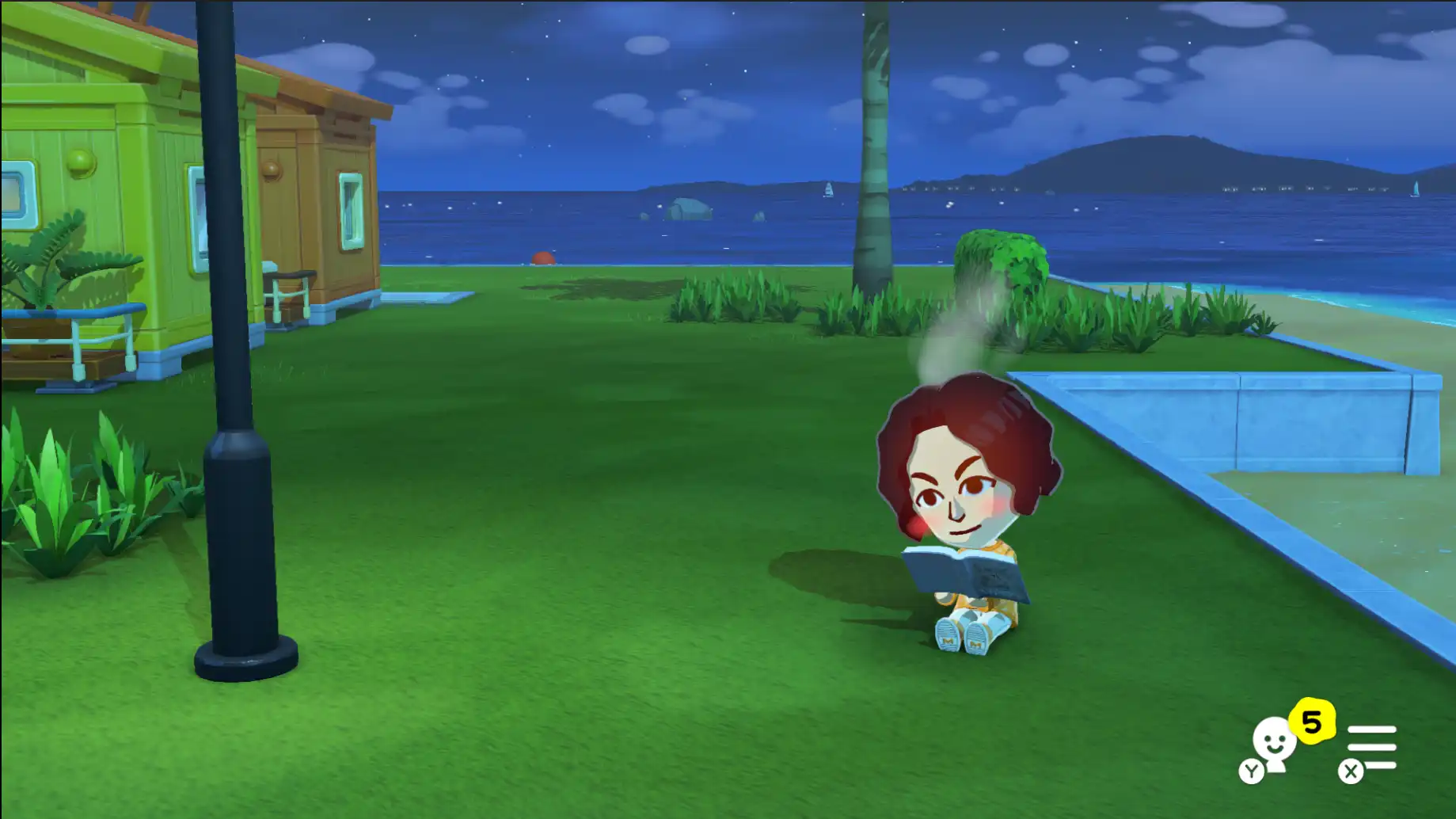
Goods — books & more
Books, treasure, music, games — video goods may follow later.
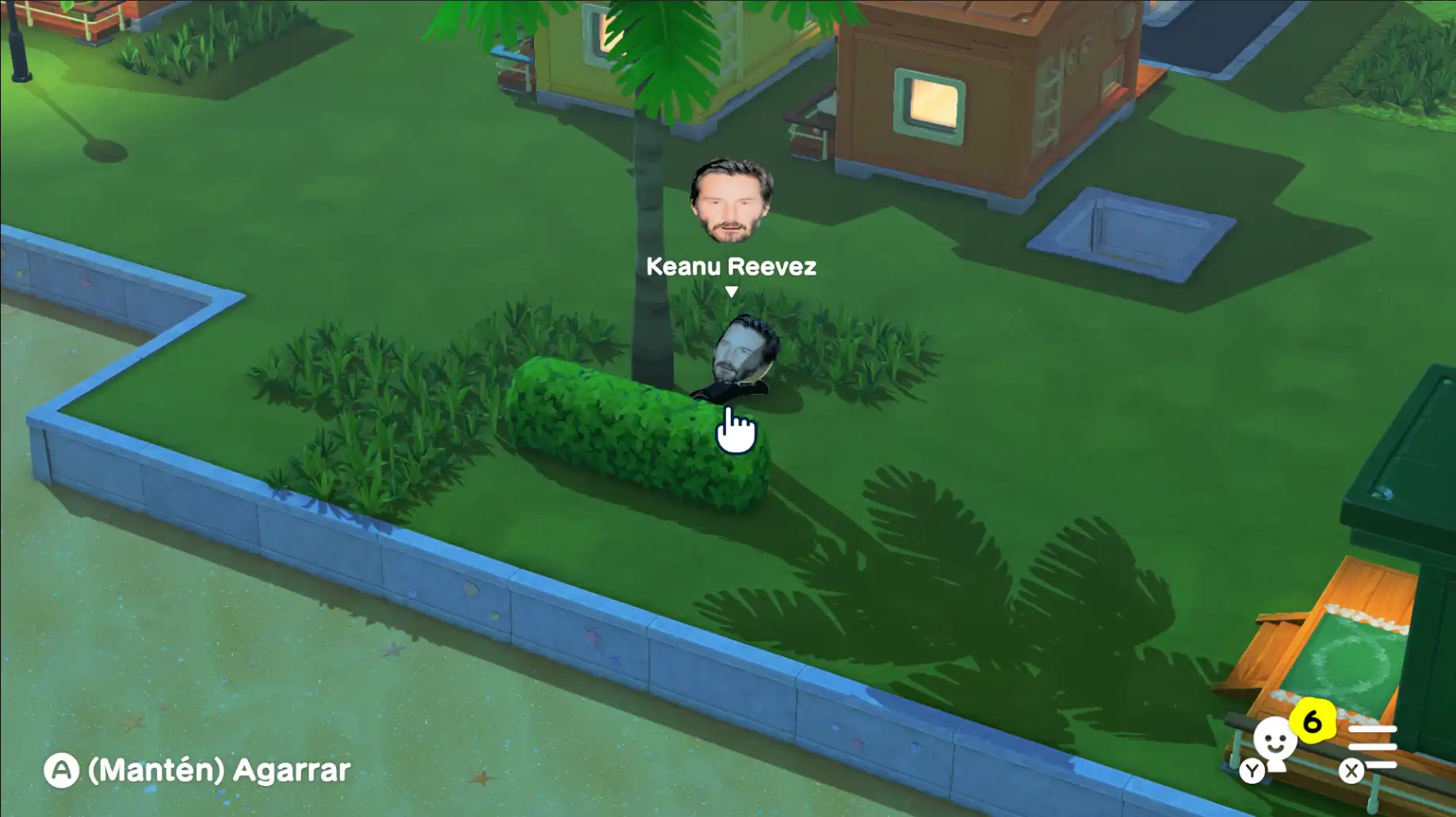
Faces
Custom face textures on Miis.
At a glance
- Goods — pets, books, treasure, music, games (examples above); video goods may not be supported yet — check release notes.
- Faces — custom textures on Miis (see Faces card above).
- Foods — replace dish canvases where your tag supports it; scope varies by release — confirm on release notes.
Categories evolve per release — see GitHub Releases for changelogs.
Fixes users often care about
- Better handling for semi-transparent PNGs where older builds looked wrong.
- Gamma / lighting tweaks so previews match in-game more closely.
- Many workflows no longer require loading drawings through Palette Workshop first — follow your release note for the version you download.
Known limitations & emulator use
Running TomoTexture while your emulator (e.g. Citra) has the same save open can cause instability. Prefer one tool at a time; after editing, load the game, save if prompted, exit cleanly, then continue playing. Keep extra backups outside the emulator folder.
On the roadmap (check GitHub)
Future ideas discussed publicly include video goods, clothing, buildings, terrains, and other quality-of-life work — timing depends on the maintainer. Treat this page as orientation only; Releases are authoritative.
Binaries & verification
Download only the Windows .exe attached to AlfonsoMallozzi/TomoTexture on GitHub. Some releases mention VirusTotal links or hashes — read the release notes for that build. If you do not trust the binary, do not run it.